War Map
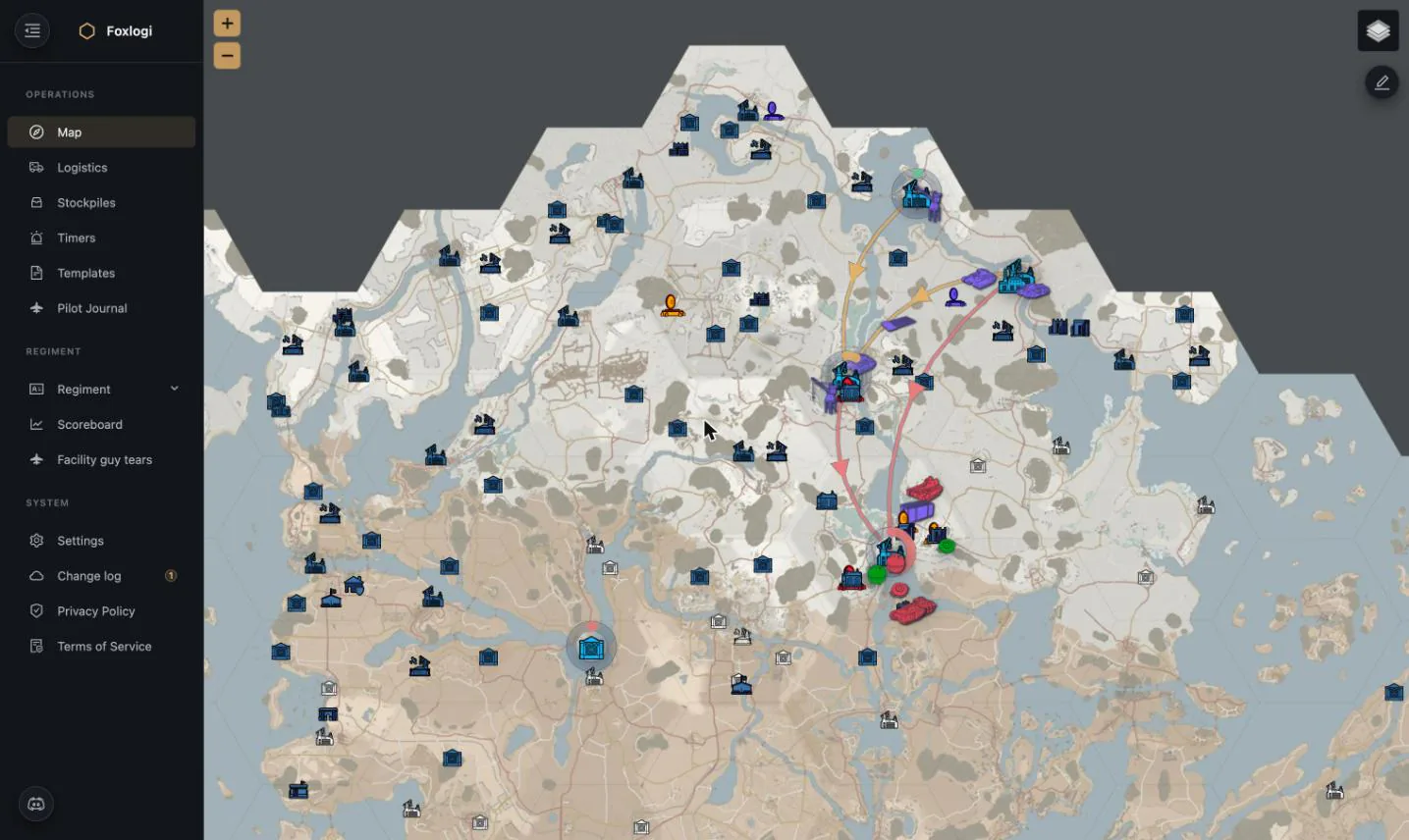
The map is Foxlogi's home screen and the entry point to almost every other feature. Everything your regiment tracks lives on it, on top of the live Foxhole world state pulled from the game's own API.
What problem it solves
In a normal war a regiment's operational picture is scattered: hex ownership in-game, stockpile codes in a Discord pin, bunker timers in someone's head, mine fields in a screenshot posted three days ago, and the supply plan in a voice call that ended at 2 AM.
When the person who knows all of it logs off, the regiment goes blind.
The map puts all of it in one place, persistent, shared, and visible to whoever is on shift right now.
Reading the map
The map opens framed on your regiment's area of operations — it auto-fits to the hexes where you actually have stockpiles, so you don't start every session zoomed out at the whole world.
Regiment hubs
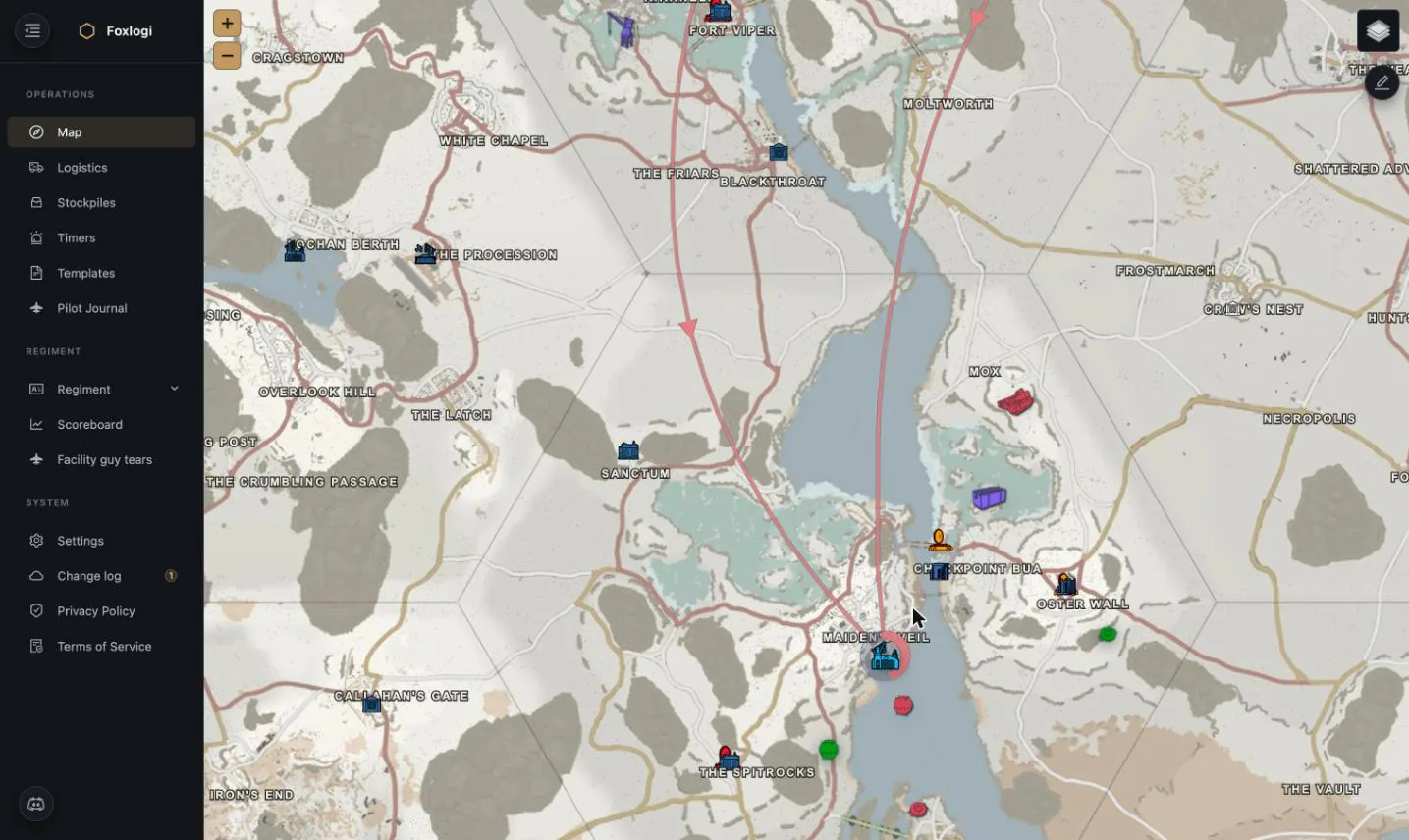
Your configured logistics hubs are drawn as glowing ring markers. The ring colour is configurable per user (Settings → Regiment hub color) so a coalition running several regiments' data on one map can still tell them apart at a glance.
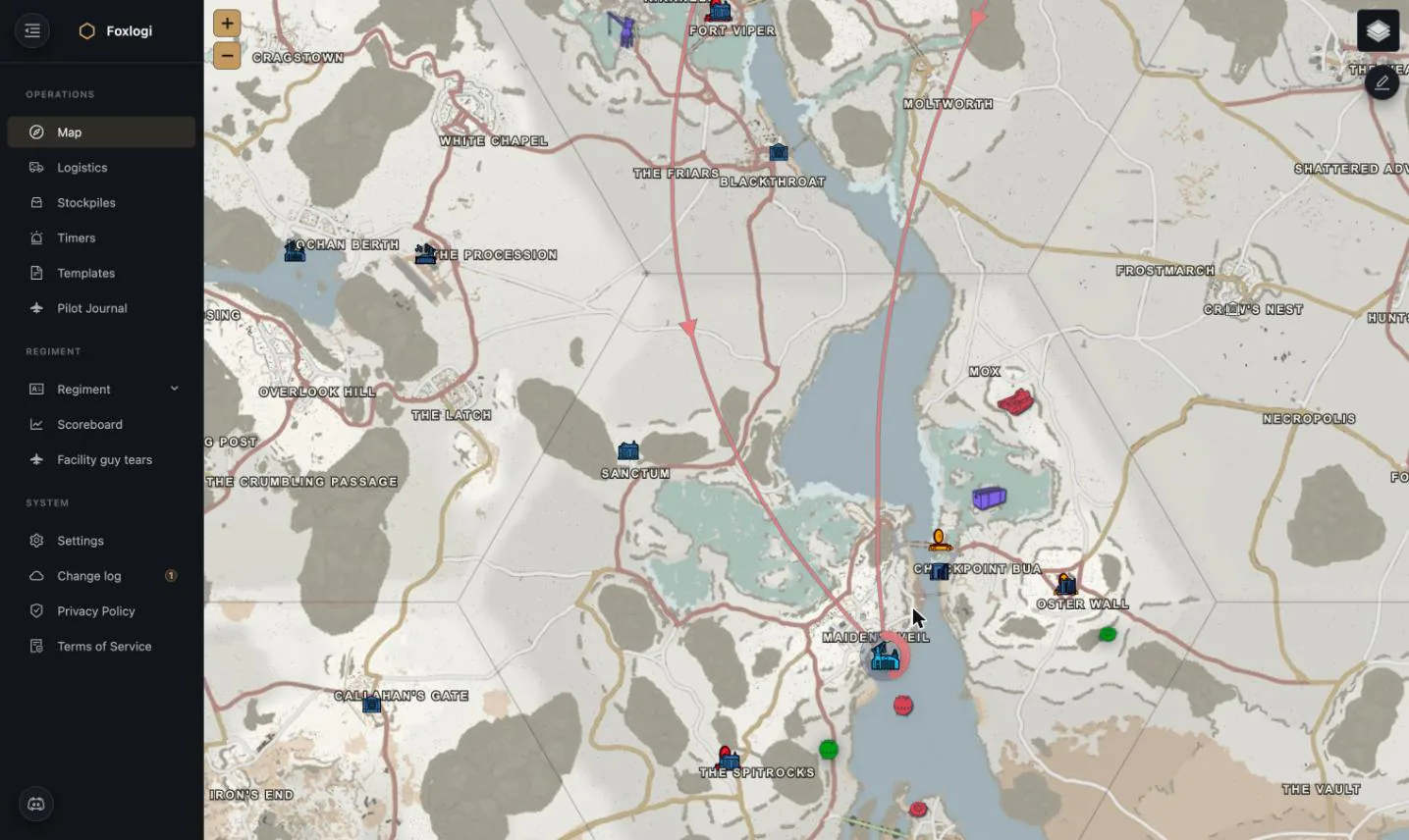
Above: the Marban Hollow frontline. Maiden's Veil is the ringed frontline hub; the purple boxes are bunker bases (Checkpoint Bua, Oster Wall); the gold marker is a squad-locked stash timer; green circles are mine-field timers; red markers are enemy intel.
Supply arcs
The curved animated arrows are supply arcs — they show where the planner expects crates to flow, drawn straight from your hub configuration.
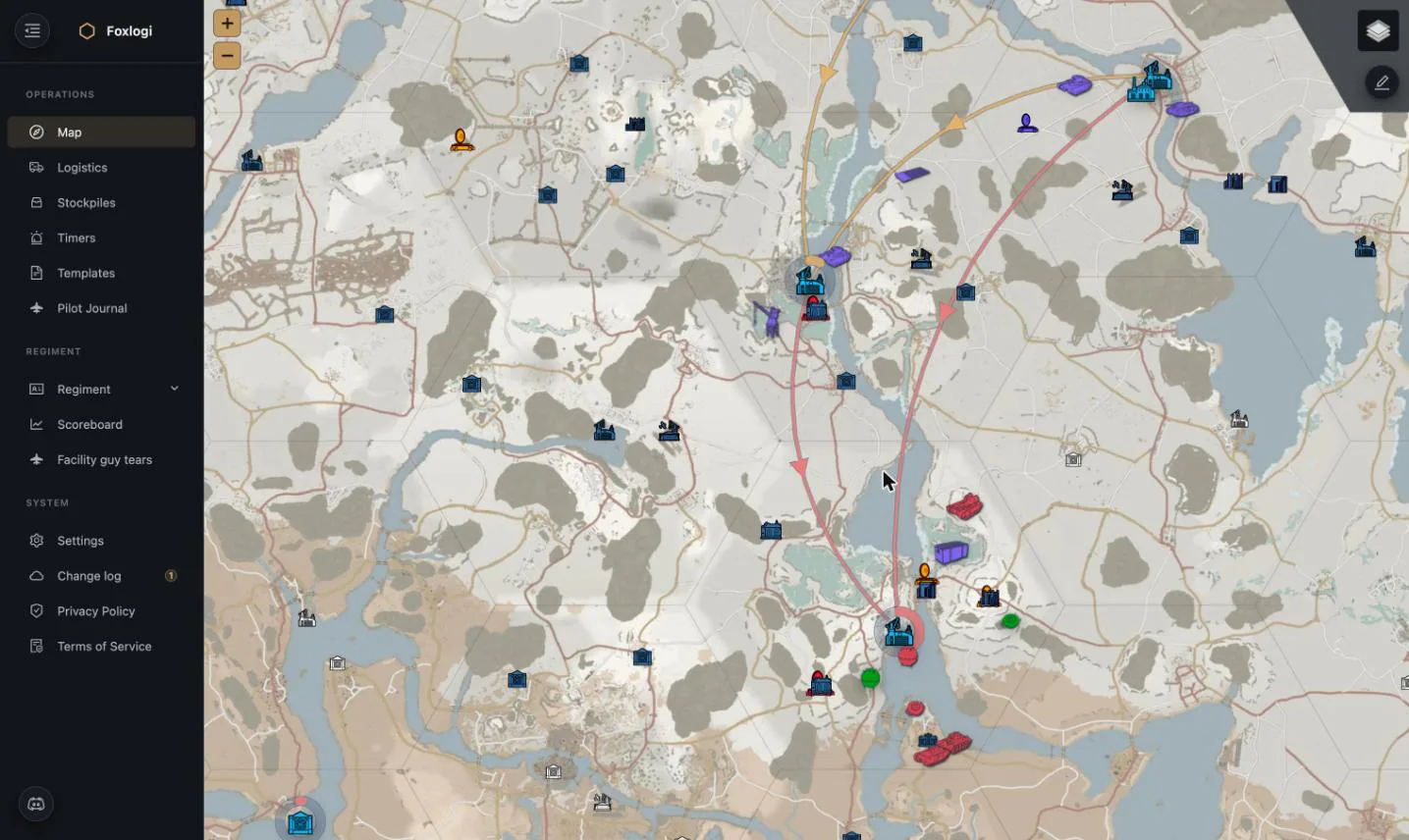
| Color | Priority |
|---|---|
| Green | Low |
| Yellow | Medium |
| Red | High |
Backline hubs
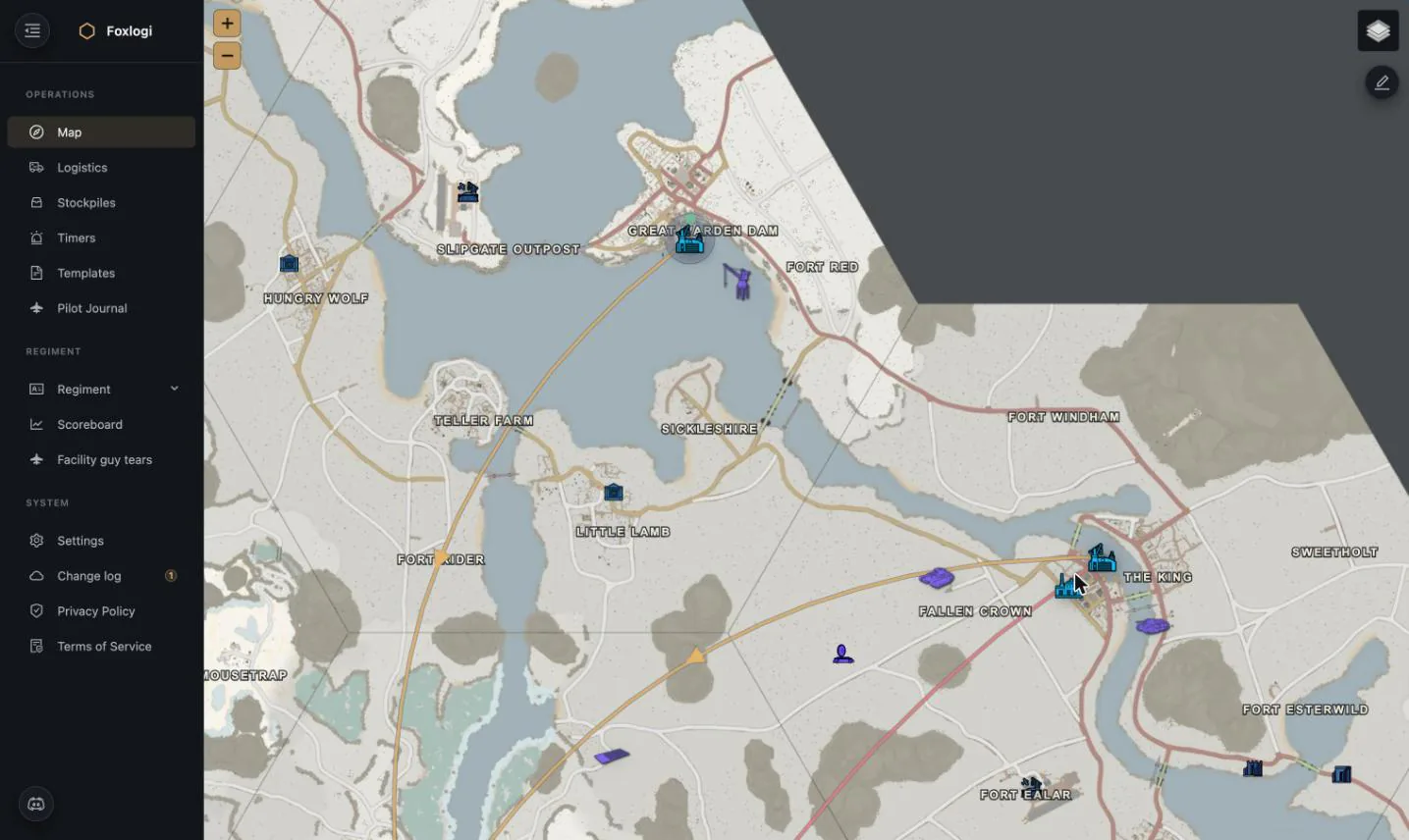
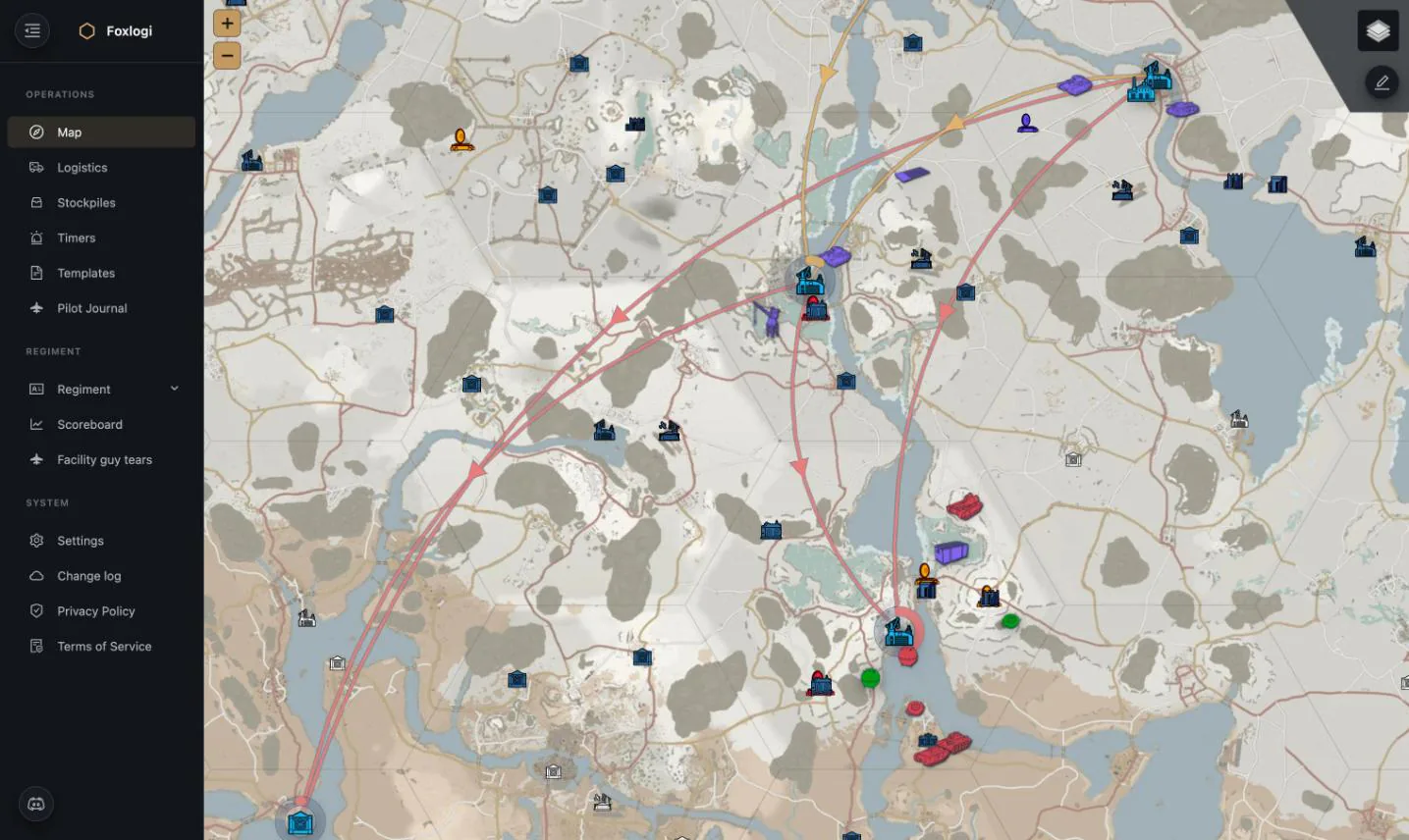
Backline hubs (here Great Warden Dam and The King, in Clanshead Valley) are where refining and Mass Production Factory work happens. The MPF marker at The King opens the MPF order queue.
Layers
The layer control (top right) toggles each category independently.
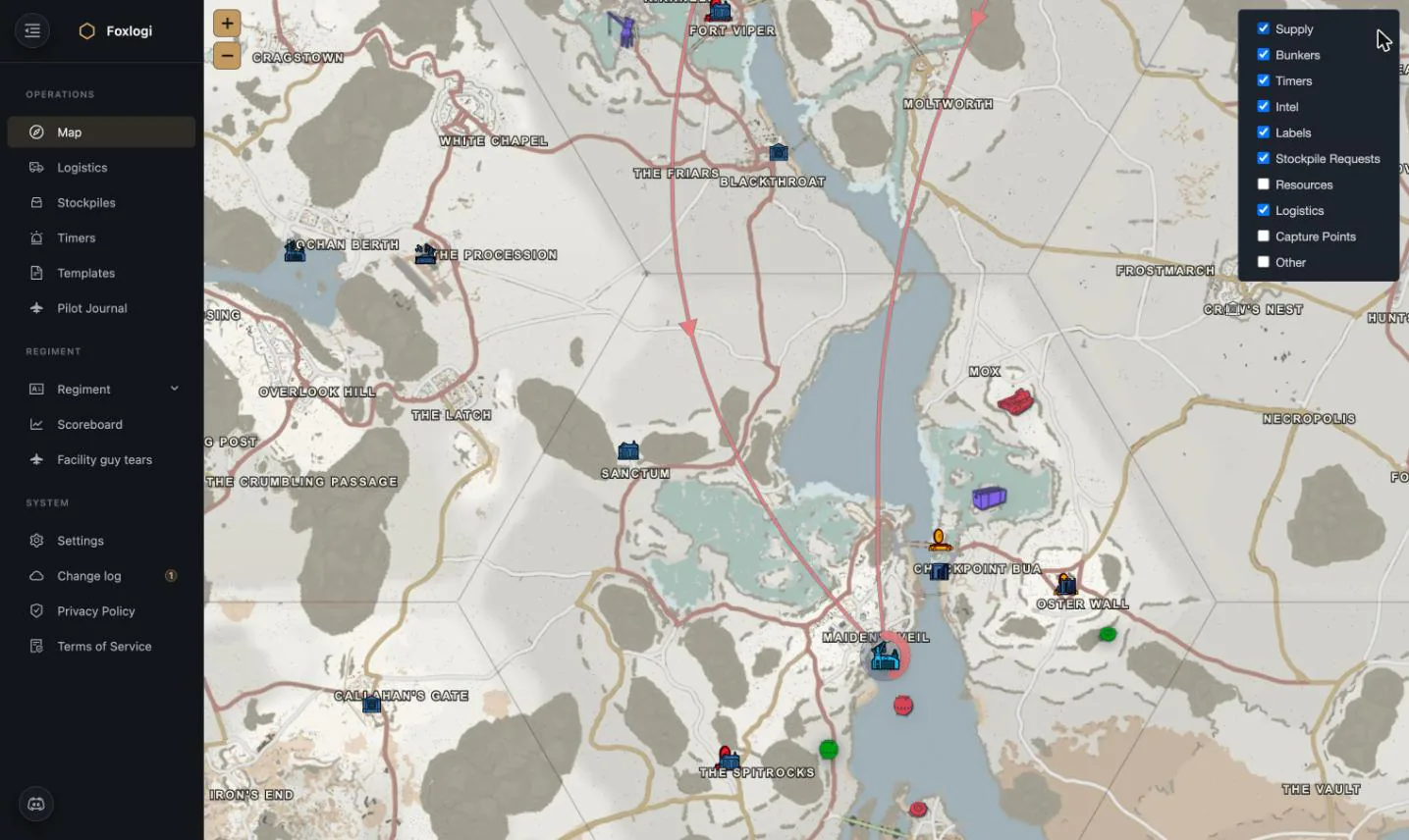
| Layer | Shows |
|---|---|
| Supply | Supply tunnel networks, with maintenance-supply burn state |
| Bunkers | Your bunker bases and shared/public allied bunkers, coloured by tier |
| Timers | Squad-locked assets — large ships, battle tanks, cranes, dry docks, stashes, mines |
| Intel | Enemy sightings shared across your faction |
| Labels | Town and structure names |
| Stockpile Requests | Locations with an active logistics request |
| Resources | Salvage / component / sulfur fields and mines |
| Logistics | Your regiment's hub rings and supply arcs |
| Capture Points | Relic bases, town bases, keeps |
| Other | Everything else the game API reports |
Turning layers off matters more than it sounds: on a busy map with a coalition's worth of shared data, a driver planning a run only wants Supply + Logistics + Intel.
Clicking things
Every marker opens a detail modal. The map is not a read-only picture — it is the primary editing surface.
| Click | Opens |
|---|---|
| Storage depot / seaport ring | Location panel — stockpiles, requests, totals, setup |
| Bunker | Bunker detail — garrison stock, tier, squad lock, start a supply run |
| Timer marker | Timer detail — expiry, squad, refresh, action log |
| Supply tunnel | Tunnel detail — supplies in stock, consumption rate, quick top-up |
| MPF marker | MPF order queue — suggested orders, active production |
| Intel marker | Intel thread — comments and confirmations |
Edit mode
The pencil button below the layer control toggles edit mode.
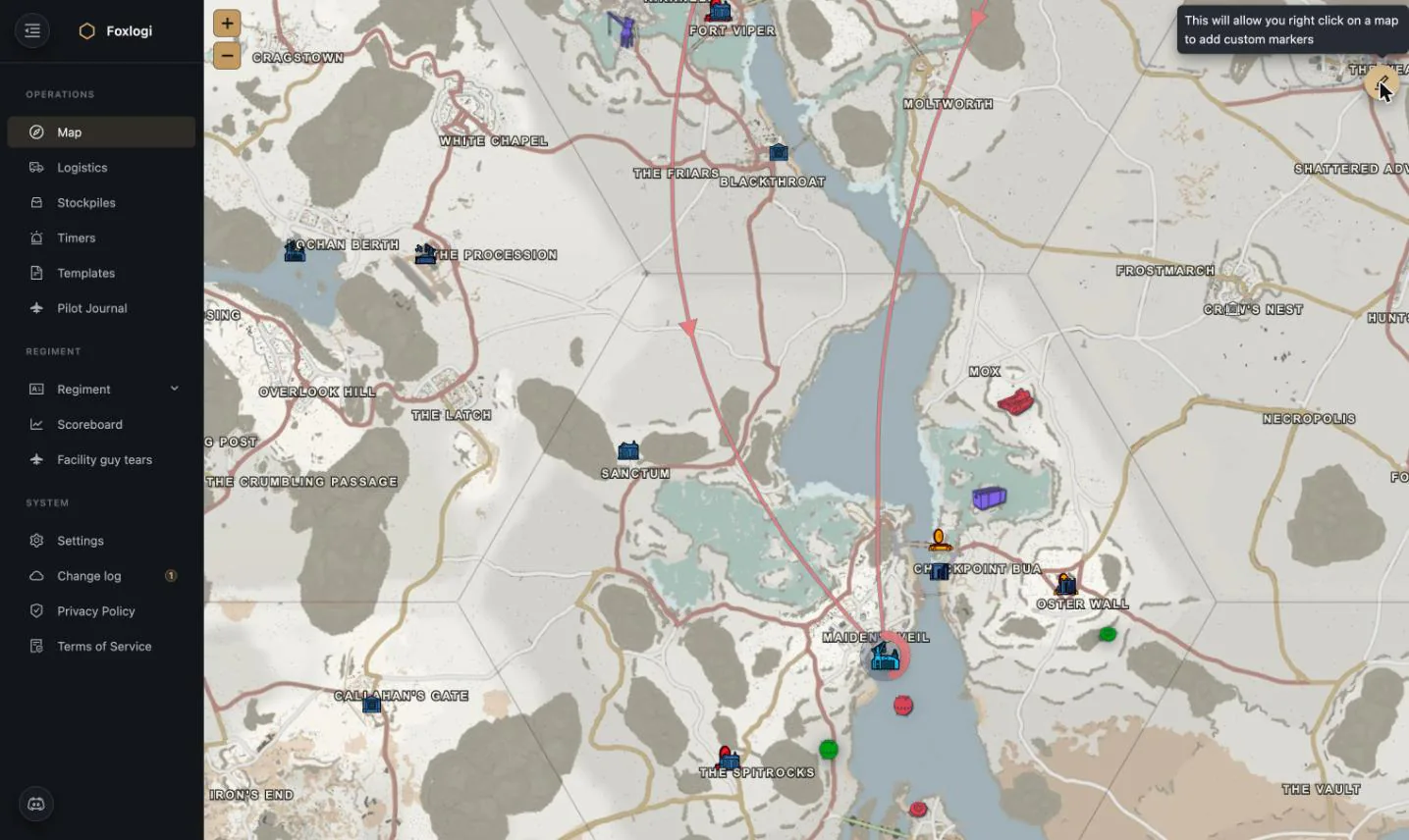
With it on, right-clicking anywhere on the map offers to place a new marker there:
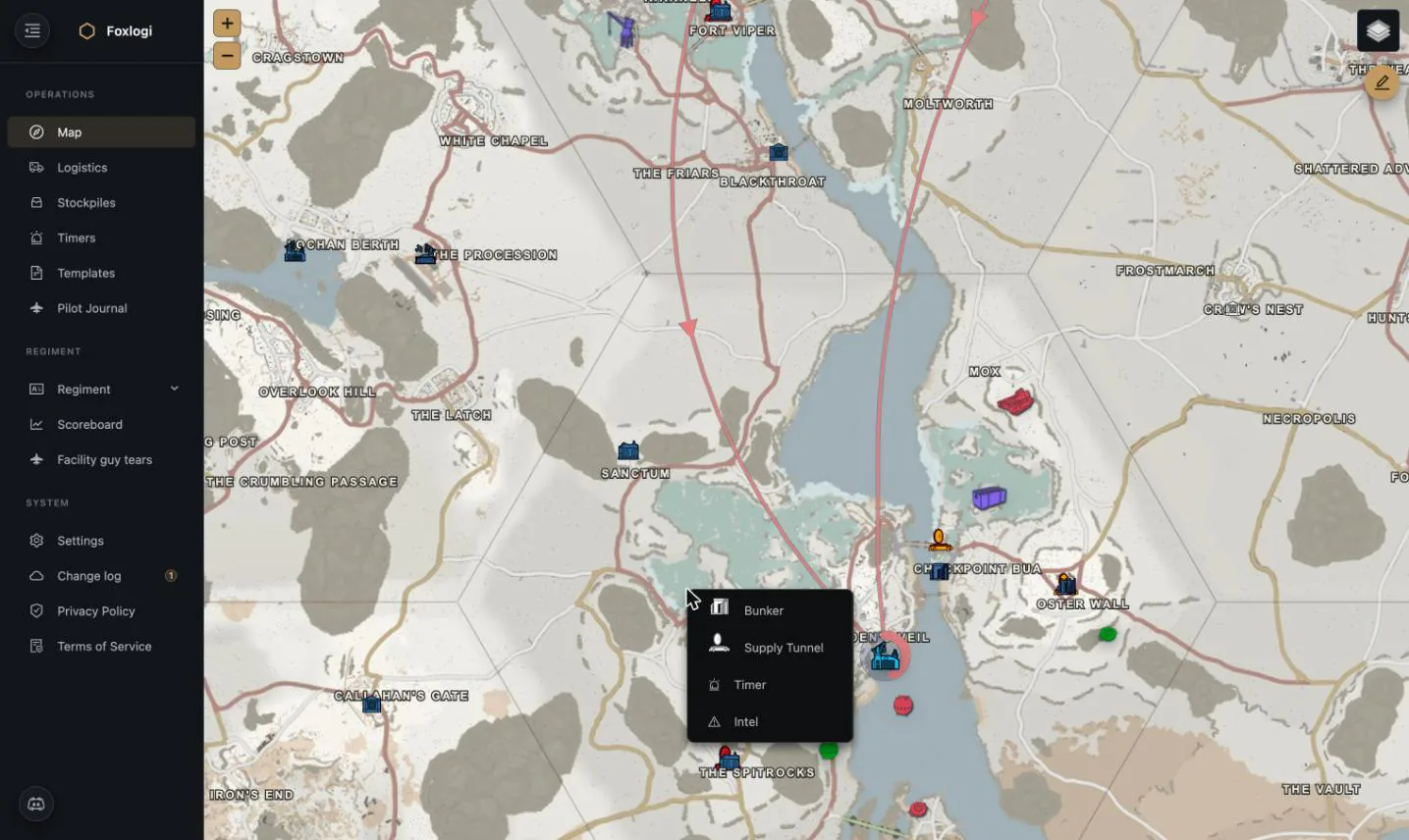
| Marker | What it is | Minimum level |
|---|---|---|
| Bunker | A base your regiment maintains | Member |
| Supply Tunnel | A tunnel network you keep fed with maintenance supplies | Senior Member |
| Intel | An enemy sighting | Senior Member |
| Timer | Any squad-locked asset that decays | Officer |
Entries above your level don't appear in the menu — see the capability matrix.
Edit mode is a deliberate toggle rather than always-on, so panning the map during an operation never accidentally drops a marker.
Where the map data comes from
Hex ownership, structures, resource fields and town bases are pulled from the official Foxhole world-conquest API on a schedule, so the underlying map reflects the real war state — including hexes flipping mid-session. Your regiment's layer sits on top of it and is entirely yours.
Because ownership is live, Foxlogi can also tell when a hub you configured is no longer in friendly hands — a hub sitting in a hex the enemy now holds simply stops producing tasks in the Logistics Planner, instead of quietly sending people into a lost region.
Detail at hex zoom
Zoomed to a single hex, town labels, forts, relic bases and every structure the game reports are readable — useful for planning a bunker line or picking a defensible depot.